


Improved time logging: Cleaner UI, smoother experience
Our design team reviewed how time logging is used in everyday work and identified the main friction points. Time logging isn’t anyone’s favourite task. That’s why we’ve redesigned the experience to make it faster, smoother, and less disruptive. The way you access time logging hasn’t changed — the improvement is in how it works once you’re there.
Log Time 2.0 is the first form built on our new UI framework, marking the start of a broader initiative to modernise, unify, and simplify the entire application.
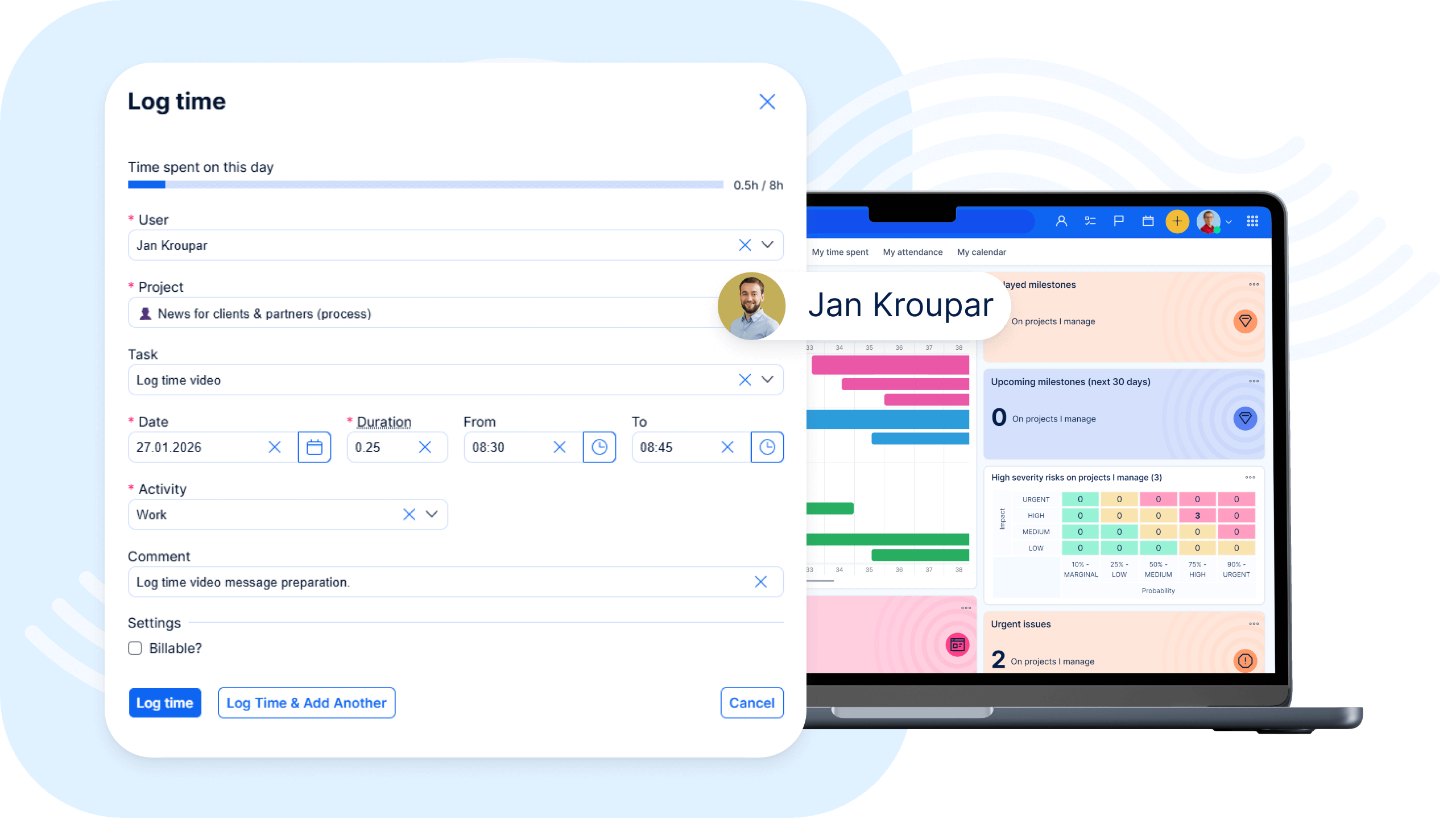
What makes Log Time 2.0 different?
1) Faster time entry
The new Last Used Tasks section lets you log time to frequently used projects in just a couple of clicks.
2) Fully keyboard accessible
You can navigate the entire form, use autocomplete, and submit your entry using only your keyboard (Tab, arrow keys, Enter).
3) Built-in error prevention
Clear visual indicators help you spot and correct missing or incorrect information before submitting.
Log Time 2.0 is just the beginning — a first step toward a more modern and intuitive Easy Redmine experience, starting with the features you use every day.
Instead of a long explanation, watch the short demo video to see the improvements in action.
Easy AI is now included in the Business and Platform Plan
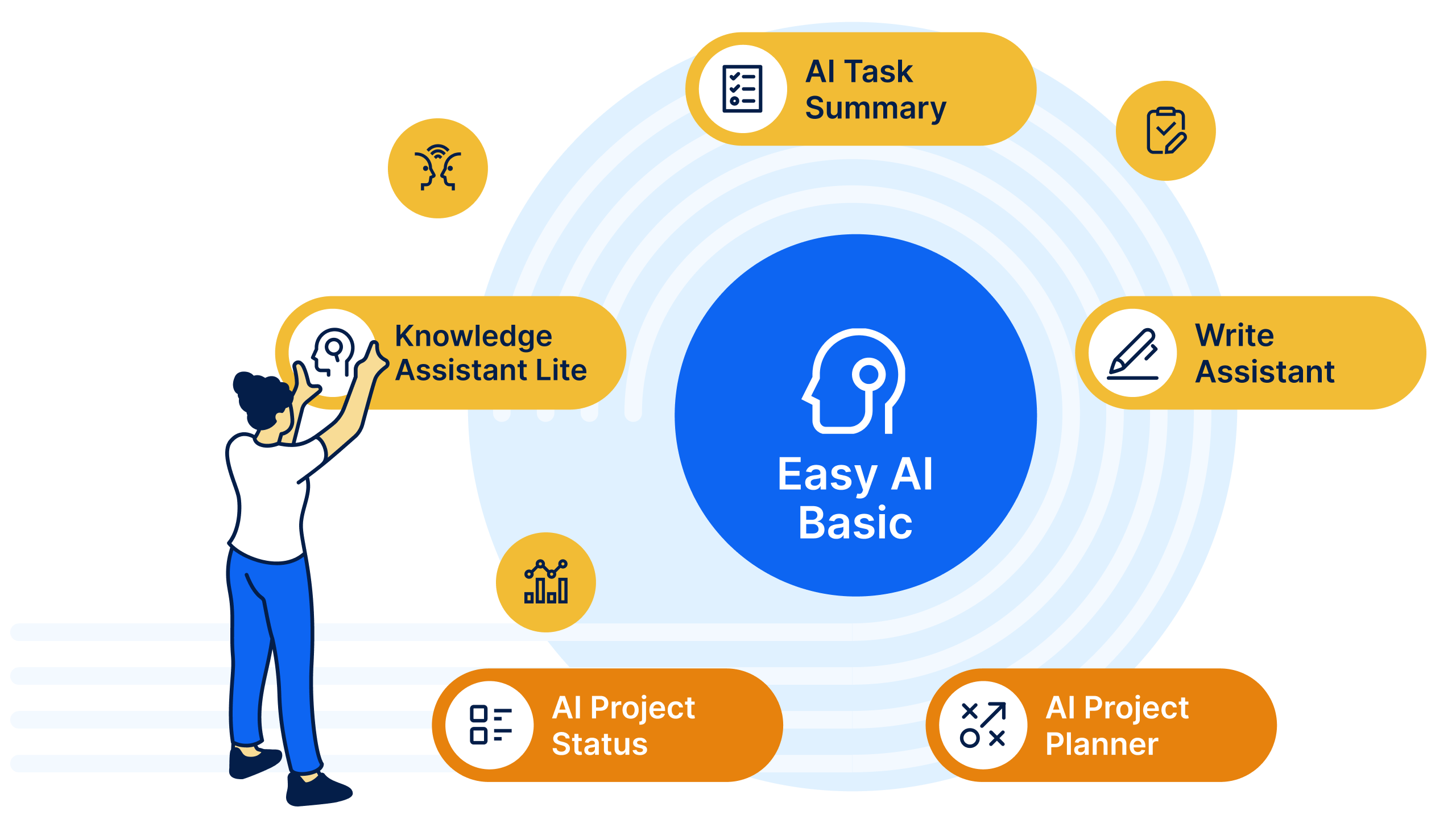
Easy AI features are now available by default for all Business and Platform Plan customers. AI assistants help users with everyday work directly in the application — securely and without additional setup.
Easy AI runs in our cloud environment. Administrators retain control over how AI is used across their organisation. AI features will be automatically activated until the end of February, according to your subscription plan.
For a deeper look at how Easy AI assistants work, how security is handled, and what this means in practice, read the full article on our blog.
From siloed teams to connected workflows
Work today doesn’t happen in one department or one tool — it flows across projects, operations, service, and daily teamwork. That’s why we’re launching a dedicated webinar series focused on WorkOps — a practical approach to connecting tools, people, and automation across the entire organisation to improve how work gets delivered.
In this series, our experts will show how teams in different roles and departments can use WorkOps to:
- improve visibility across projects and operations
- reduce manual coordination and tool-switching
- introduce smart automations with n8n
- make better decisions with connected data
Each session focuses on real use cases and workflows relevant to specific teams, so you can see how WorkOps applies directly to your environment — regardless of what tools your teams currently use.
WorkOps is designed to connect work across different systems, not replace everything overnight. If you're looking for ways to make work flow more smoothly across your organisation — across projects, operations, service, and daily agendas — not just inside one team or one tool, this series is for you.
Explore WorkOps and register for the upcoming webinars to see it in action
- 26.02.2026 at 14:00 – AI-powered WorkOps foundations: From tool chaos to automated, AI-driven workflows
- 12.03.2026 at 14:00 – AI-powered WorkOps for Product teams: Faster delivery with n8n Automations & AI
- 26.03.2026 at 14:00 – AI-powered WorkOps for Project Managers: AI & n8n Automations beyond Gantt charts
- 09.04.2026 at 14:00 – AI-powered WorkOps for Marketing teams: Campaign execution powered by n8n Automations & AI
- 23.04.2026 at 14:00 – AI-powered WorkOps for Customer Success: Scaling delivery with n8n Automations & AI
- 07.05.2026 at 14:00 – AI-powered WorkOps for regulated environments: Implementing automations without losing control
- 21.05.2026 at 14:00 – AI-powered WorkOps for collaborative work management: Connecting teams, tools, and decisions
- 04.06.2026 at 14:00 – AI-powered WorkOps for IT operations: Workflow automation for technical teams with n8n
For more technical details, see the latest Release notes for version: 15.6.0

