Avatars and gravatars
Avatar is a profile image, which can be uploaded to any user profile in Easy Redmine (Administration >> Users >> Edit profile >> Avatar).
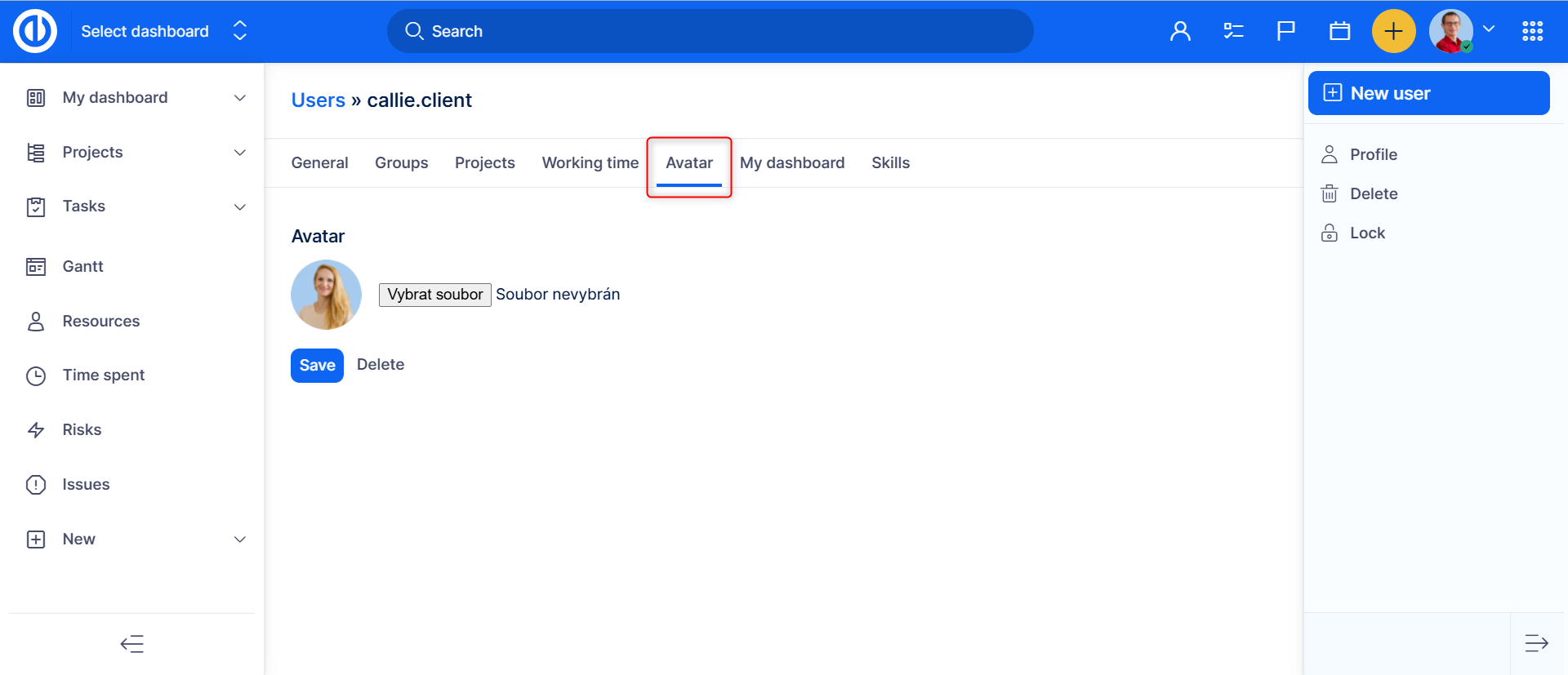
Avatar is used for better and quicker recognition of a user as an additional cognitive sign next to his name. Supported formats for the avatar are jp(e)g, png, gif, bmp. When a user has not uploaded any personal avatar, a default logo image is displayed instead. This default image cannot be changed by any means.
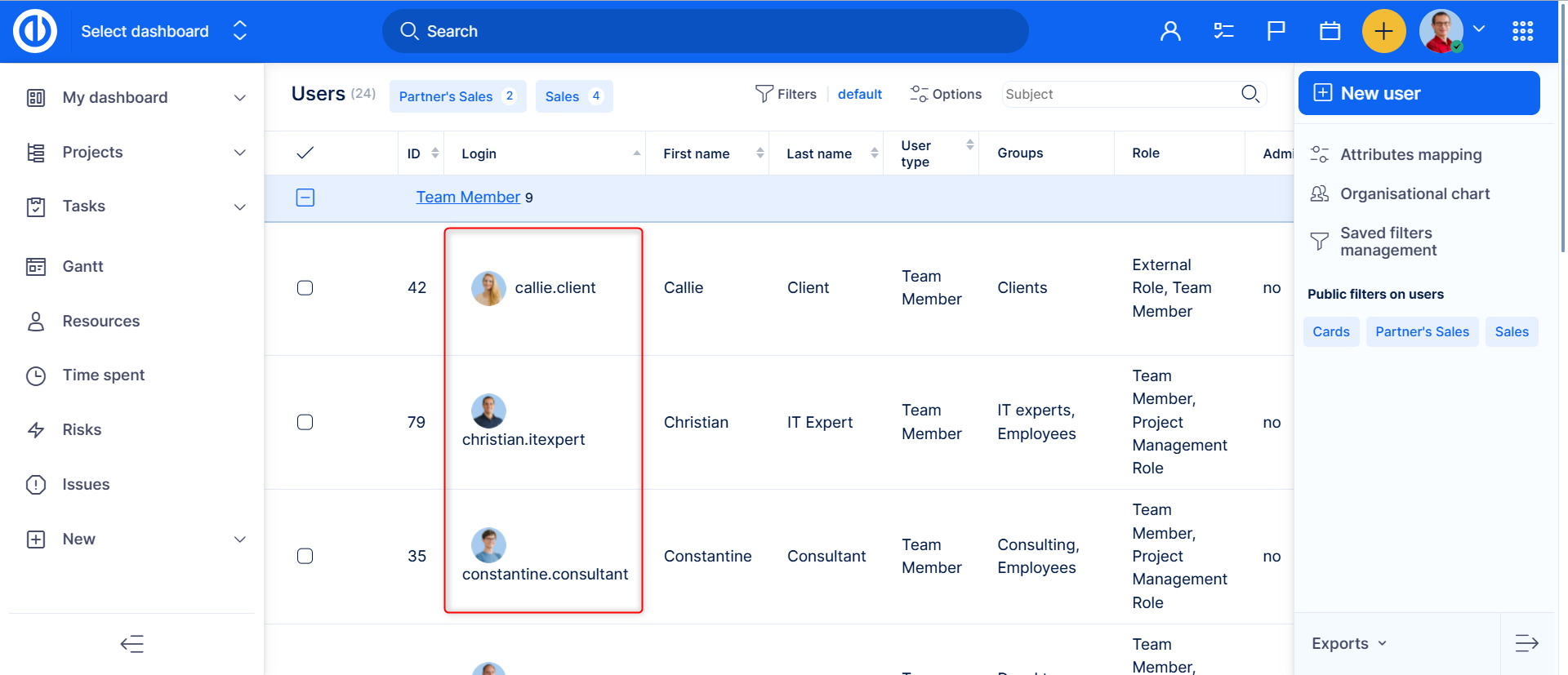
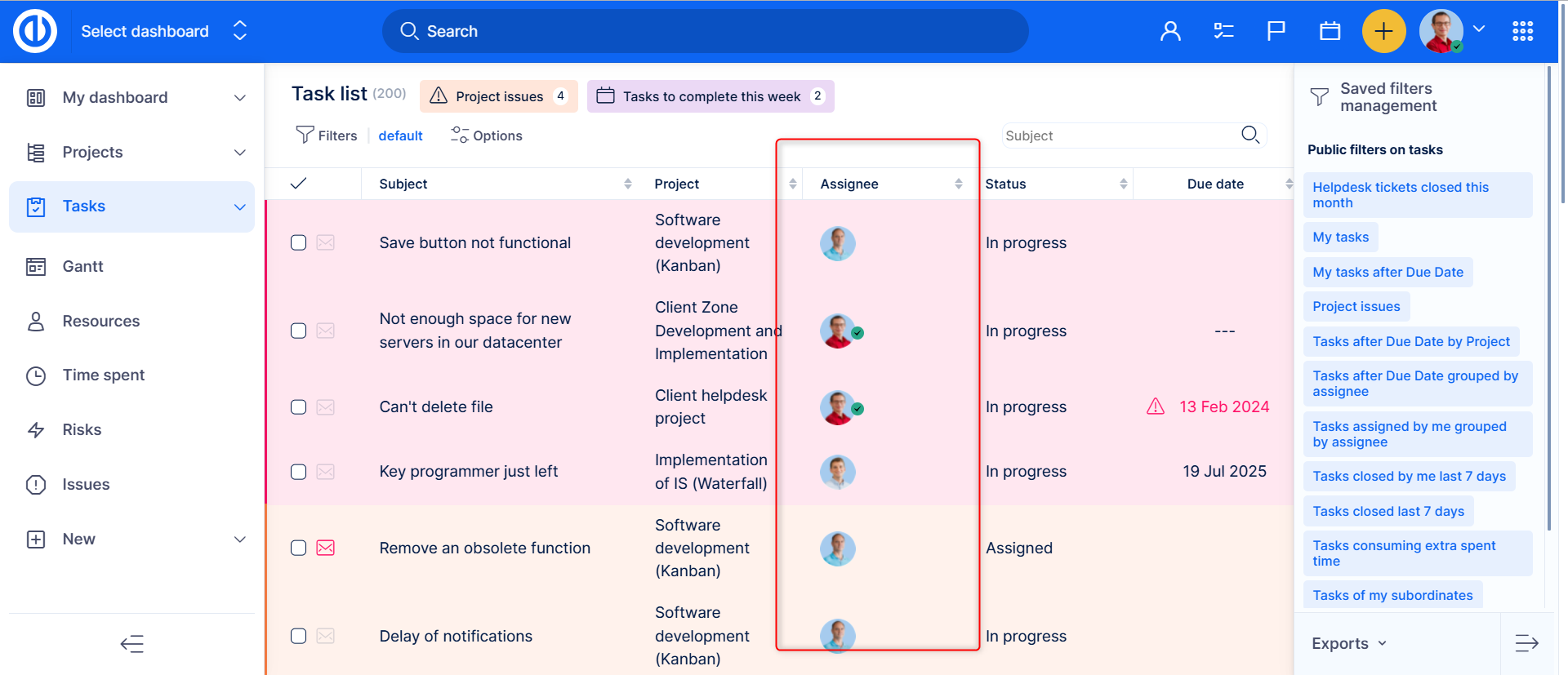
By default, avatars can be seen on any list of users, such as in Users category, on a task overview, a task list with author or assignee column visible, a Scrum/Kanban agile board with the assignee icon visible, a list filtered by users, etc.
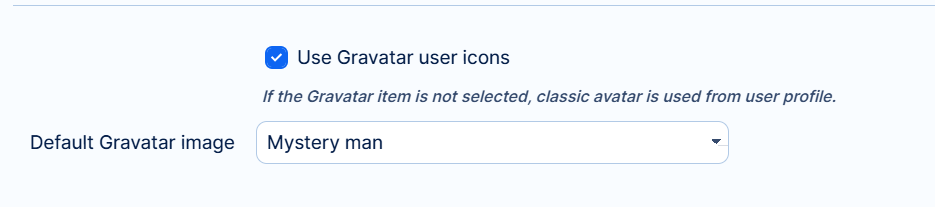
In addition to avatars, Easy Redmine also supports gravatars, which stand for a globally recognized avatar. Gravatars can be activated in Administration >> Settings >> Display >> Default Gravatar image. When gravatars are activated, standard avatars become hidden and each user is given a unique, randomly chosen gravatar from the selected theme.